
Kibo
Meal Planning for the Whole Household
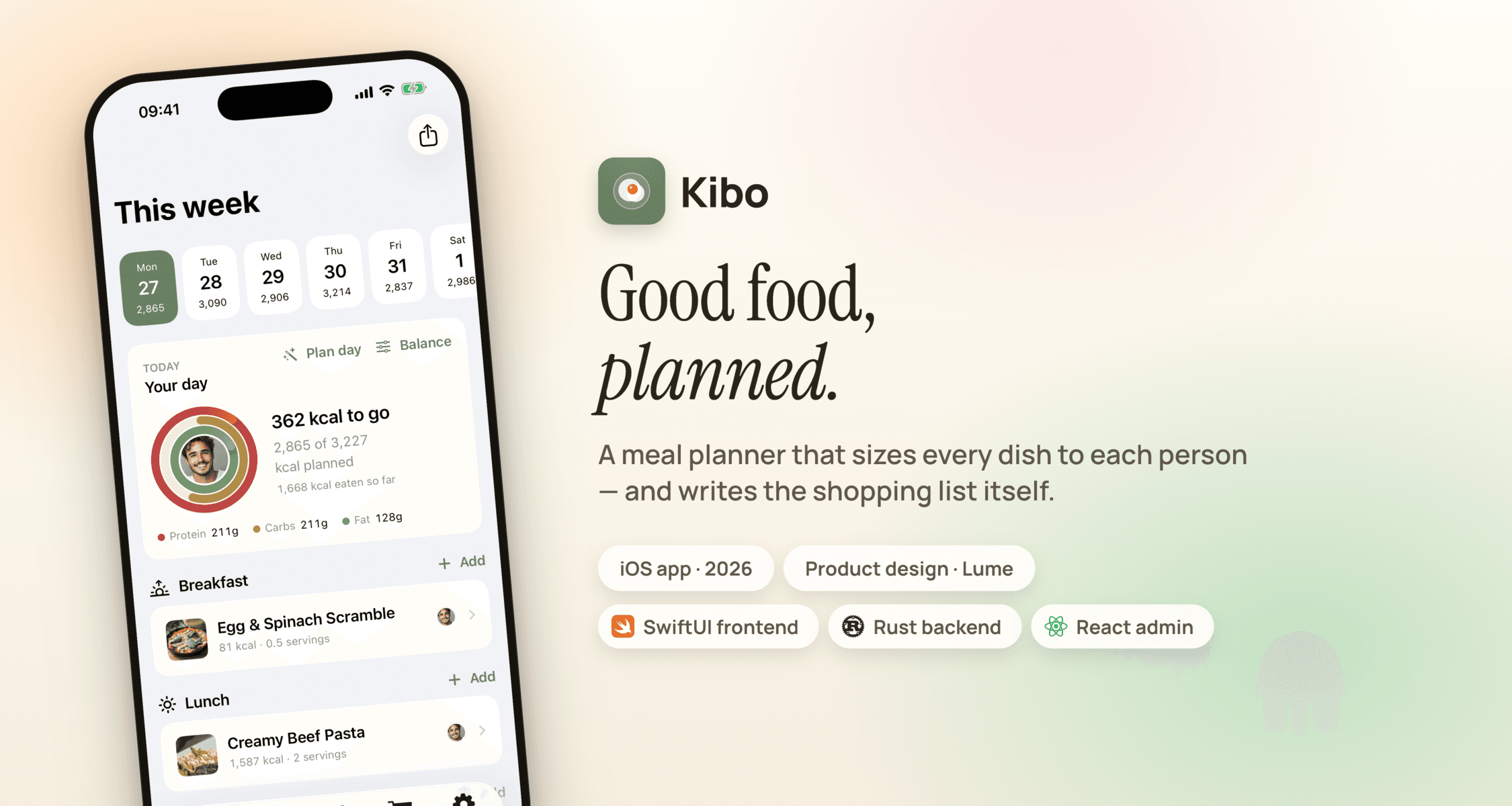
Kibo is our own product — a native iOS meal planner built around the household rather than the individual. Each member has their own weight, goals and calorie targets, and every meal on the plan is portioned per person automatically.
Paste any recipe and Claude fills in the ingredients, amounts and nutrition. Plan the week, and the shopping list assembles itself — grouped by aisle, already netted against what's in the pantry.
Our Role:
In-House Product · Product Design · SwiftUI App · Rust Backend · Admin Panel
Industry:
Health & Nutrition / Consumer iOS
Timeline:
21 days · Launched May 2026
Tech Stack:
SwiftUI, Rust, GraphQL, PostgreSQL, Claude

Challenge:
Every meal planner on the App Store is built for one person. But nobody cooks for one — a household is a bodybuilder, a teenager, a parent cutting calories and a kid, all eating from the same pan. We wanted an app where one plan serves everyone: the same dinner, scaled to four different targets, with a shopping list that knows what's already in the cupboard.

Approach
The household is the primary object in Kibo, not the user. Each member carries their own weight, height, age and activity level, which resolve into a daily calorie and macro target — or a manual one if they'd rather set it themselves. A meal on the plan records who is actually at the table, so portions scale per attendee and the day's totals stay honest. That single decision is what makes the shopping list work: quantities come from real portions, then get netted against pantry stock before anything reaches the list.

Design Direction
Kibo is a nutrition app that never looks like a spreadsheet. The sage and warm-ink palette, generous cards and food photography keep the numbers in the background until you go looking for them. Every surface answers one question — Plan: what are we eating? Shop: what do I buy? Family: who is this for? The rings on the home screen and in the widgets read as a glance, not a report.
“Nutrition math is the engine, not the interface — you should feel it working without ever being asked to do it.”

Development & Technology
- iOS: Native SwiftUI (iOS 17+), 245 Swift files, home-screen and lock-screen widgets, Share Extension for importing recipes from any app
- Backend: Rust (Axum + async-graphql + sqlx) split across 8 domain crates — identity, family, catalog, planning, inventory, admin
- API: GraphQL, with the Apollo iOS client generated straight from the backend schema so the app can't drift from the server
- AI: A dedicated Rust extractor service turns pasted or shared recipes into structured ingredients, amounts and nutrition via Claude
- Admin: React + Vite + Radix panel over the same GraphQL API for the food database and household support
- Localization: 7 languages including Arabic, Farsi and Hebrew — full RTL layouts with Jalali and Hijri calendars
Auth covers email, Sign in with Apple, Google and passkeys, and the backend ships a seeded food database so a new household has real ingredients to plan with on first launch — no empty state to dig out of.
01/10
Visual Gallery
BetterTaxi